
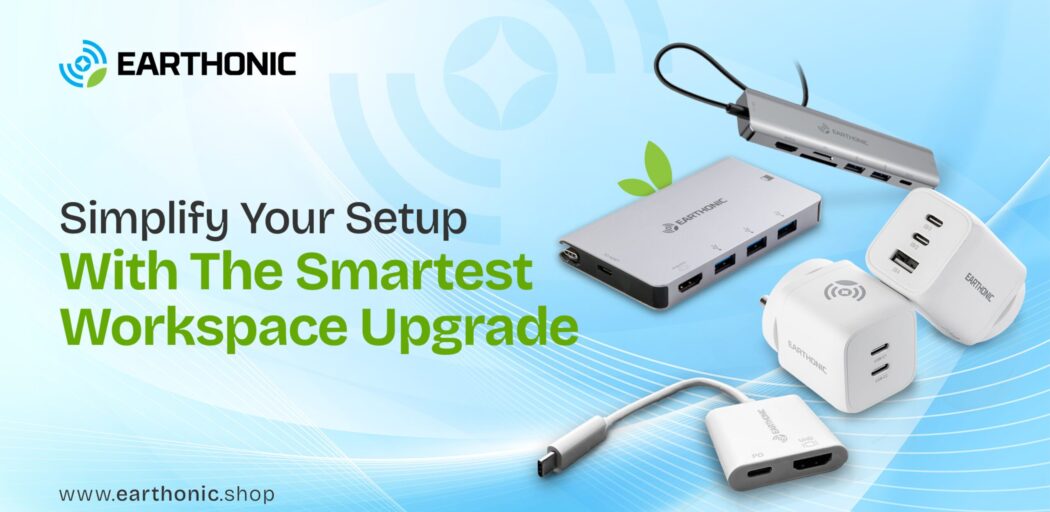
Every great workday starts with a vibe. A warm light that makes your desk glow, your go-to playlist setting the mood, a snack that disappears faster than deadlines, and maybe a tiny plant named George silently cheering you on. It’s these small touches that turn your desk from a surface into a space that fuels focus, creativity, and calm. No surprise that 41% of office workers say a tidy, organised space makes them more productive.
In this blog, we’re talking about more than just a desk setup. We’re diving into how to make the most of your working and playing hours, no matter what you do. Whether you’re editing videos, closing deals, or switching from spreadsheets to Netflix in record time, the right setup can turn any desk into your personal command centre.
What It Really Means to Upgrade Your Setup
When your desk starts working for you instead of against you, everything from your focus to your mood levels up. Here’s what that really looks like when you get it right.
Looks and Logic Together:
A great setup isn’t just about how your desk looks. It’s about how well it helps you think, move, and create every day. When everything has a place, your ideas have room to grow.
Less Cable Chaos:
A clean desk means a clear mind. Keep your cords sorted and your space open for ideas, not tangles. You’ll be surprised how much calmer and faster your workflow feels.
Comfort that Counts:
The right chair height, screen angle, and lighting can make hours at your desk feel effortless. Small ergonomic tweaks can turn long workdays into genuinely productive ones.
Clutter-Free Desk Charging:
Power every device from one compact hub. Stay connected without the mess of multiple plugs and cables. One simple setup keeps your workspace tidy and your focus uninterrupted.
Mood Matters:
Add a touch of inspiration, a quote that fires you up, or a photo that makes you smile. When your space reflects you, motivation feels natural.
Effortless Transitions:
Go from work mode to play mode in seconds. A smart setup makes it easy to switch gears without slowing down your flow.
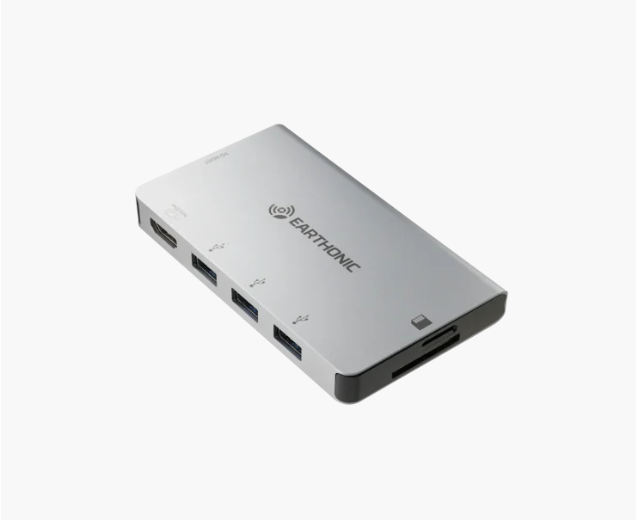
When comfort and connection come together, your desk becomes more than just a workspace; it becomes your launchpad. And if there’s one upgrade that brings it all together, it’s the multi-port USB-C hub.
How a USB-C Docking Station Transforms Your Desk
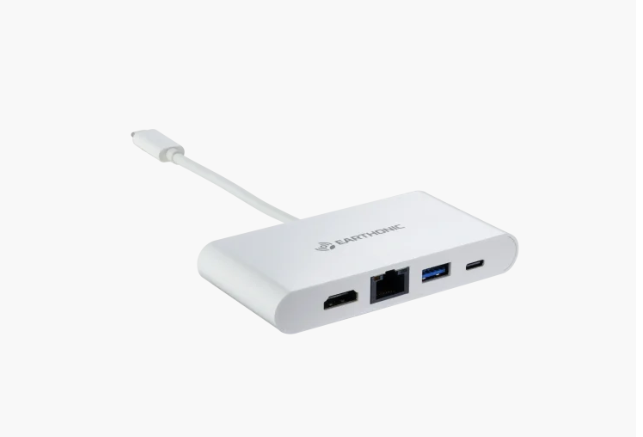
When you start using a multi-port USB-C hub, you notice the difference immediately; everything feels smoother, faster, and more organised. Every port on a docking station has a purpose, and together they keep your tech and your day running seamlessly.
Understanding the Ports That Power It All
A good docking station is all about balance, and every port has a job to do. Here’s what each one really means for your daily flow:
| Port Type | What It Does | Why It Matters |
| USB-C Port | Handle charging, data transfer, and display output | Powers your laptop while syncing devices efficiently, offering multiple functions in one port. |
| USB-A Port | Connects accessories like keyboards, mice, flash drives, and external hard disks with 5 Gbps transfer speeds. | Keeps classic devices compatible while maintaining speed and convenience. |
| HDMI Port | Connects external monitors or projectors for 4K-quality visuals. | Ideal for presentations, video editing, or streaming on larger screens. |
| SD & MicroSD Card Readers | Transfers photos, videos, and design files directly from cameras or storage cards. | Saves time for photographers, designers, and content creators without needing extra adapters. |
| RJ45 Ethernet Port | Provides a stable wired internet connection. | Ensures lag-free video calls, uploads, and gaming, perfect for professionals. |
| Audio Jack | Lets you plug in headphones or speakers for clear, wired sound. | Keeps calls and music crisp without relying on Bluetooth. |
How Earthonic Docking Station Helps in Every Profession
A great workspace looks different for everyone, but seamless connectivity makes all the difference. The Earthonic USB-C docking station adapts to how you work.
For Creators and Designers
Edit, render, or transfer high-resolution media in seconds. With HDMI for 4K visuals and SD/MicroSD readers, your creative flow never stops. A USB-C hub with power delivery keeps your laptop and devices charged.
For Professionals and Remote Workers
Power laptops, connect monitors, and run meetings lag-free with USB-C Power Delivery. Your desk becomes a clutter-free desk charging station.
For Students and Learners
Switch from study notes to video calls in an instant. Plug in keyboards, mice, and external drives through a USB-C dock for the laptop and peripherals.
For Gamers and Streamers
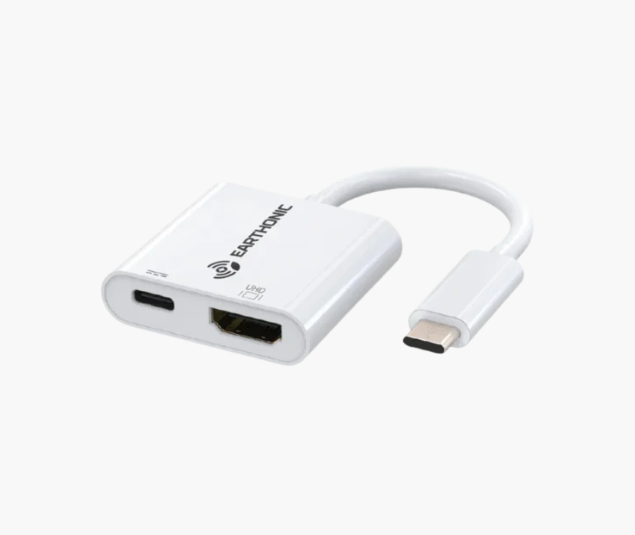
Enjoy smooth gameplay and crisp visuals. HDMI and fast data ports keep devices powered and ready.
For Travellers and Digital Nomads
Carry one compact travel docking station instead of multiple adapters. Charge, connect, and work from anywhere.
Give Your Desk a Glow-Up with Earthonic
At the end of the day, it’s the little things that make your workspace feel like magic. With an all-in-one desk charger hub, your devices stay powered, your cables stop playing hide-and-seek, and even George the plant gets to enjoy some tech-free company.
Your desk suddenly becomes a place where ideas flow, snacks disappear mysteriously, and deadlines start looking less scary. Upgrade your setup and make every task a little more fun. Shop Earthonic products now and give your desk the glow-up it deserves.