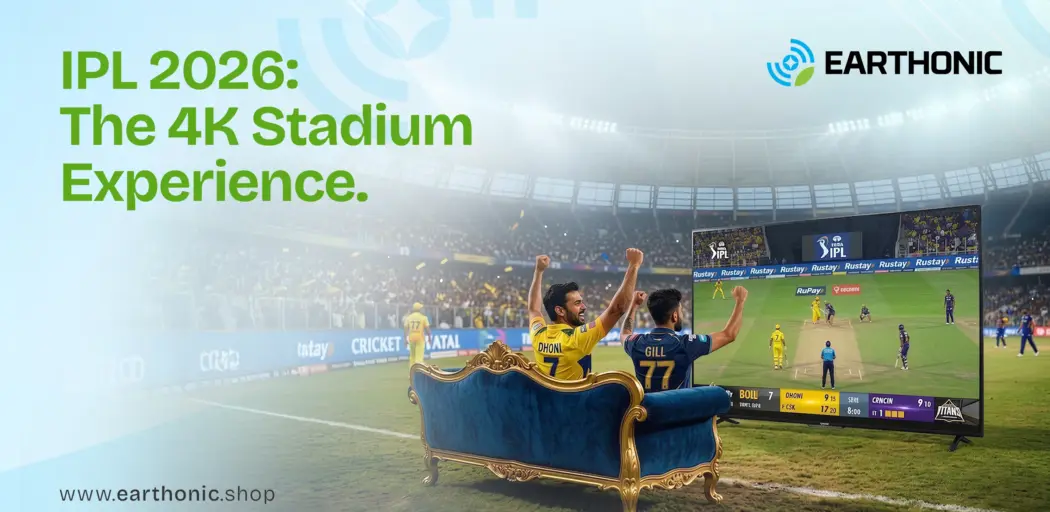
Cricket isn’t just a sport in India, it’s a ritual. And when IPL season arrives, your TV becomes the center of the universe. But there’s nothing more frustrating than a buffering spinner right when your batter is about to hit a six.
With IPL 2026 expected to cross 500 million+ digital viewers according to industry projections, streaming quality will make or break your match-day experience. Whether you’re using JioHotstar on Smart TV or setting up SonyLIV, this guide covers everything you need to know about how to stream IPL 2026 on Smart TV, without the lag, without the glitches, and without missing a single wicket. And with an Earthonic Smart TV, that seamless experience comes built in.
Where to Watch IPL 2026: The Streaming Landscape
The IPL 2026 broadcasting rights are split between two major players. Here’s where you need to go for live action:
| Platform | Languages Available | Video Quality | Subscription Required |
| JioHotstar | English, Hindi, Tamil, Telugu, Kannada, Bengali, Marathi, Malayalam | Up to 4K | Yes (Jio or Hotstar plan) |
| SonyLIV | English, Hindi, Tamil, Telugu, Kannada, Bengali | Up to 1080p (Full HD) | Yes (SonyLIV plan) |
Pro tip: Check the official IPL broadcast announcement closer to the season; rights and platform availability can shift, but these two remain the primary digital destinations for IPL online streaming in India.
Step-by-Step: Setting Up JioHotstar on Your Smart TV
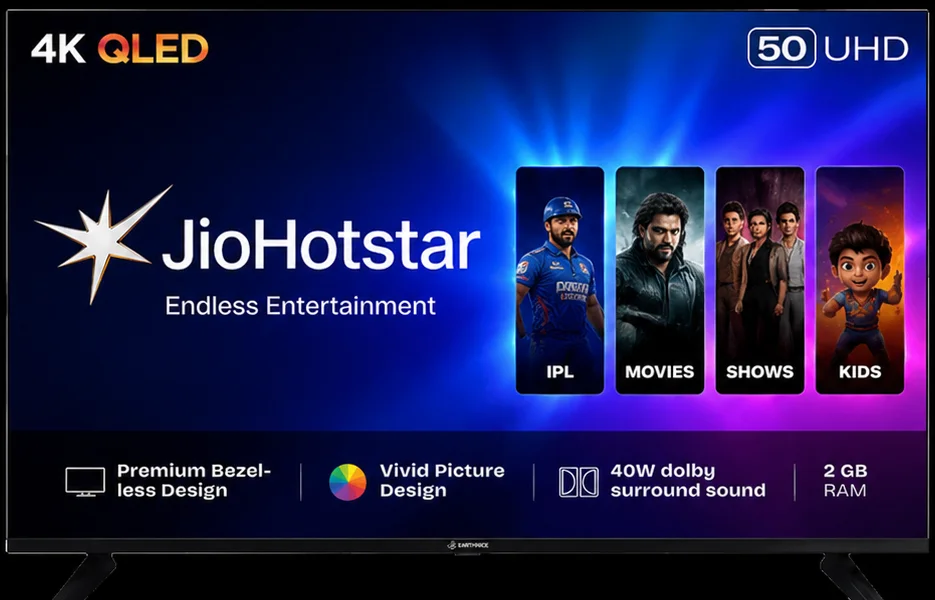
If you’re an Android TV user (including all Earthonic Smart TVs), setting up JioHotstar takes less than two minutes.
- Step 1: Turn on your Smart TV and navigate to the Google Play Store (or the Smart TV app store on your device).
- Step 2: Search for “JioHotstar” or “Hotstar” (the app may still appear under the legacy name depending on rollout timelines).
- Step 3: Click Install and wait for the download to complete.
- Step 4: Open the app and log in using your Jio or Hotstar credentials. If you don’t have an account, you can sign up directly within the app.
- Step 5: Navigate to the Sports section or search for “IPL 2026” to find live matches and highlights.
For SonyLIV: Follow the same steps, search for “SonyLIV” in the Play Store, install, log in with your subscription, and you’re ready to stream.
The 4K Question: Can You Actually Stream IPL in 4K?
Here’s the reality check. While JioHotstar supports IPL 2026 streaming 4k on compatible devices, not every TV or connection can handle it. Here’s what you actually need:
| Requirement | Minimum Spec | Recommended Spec |
| TV Display | 4K UHD (3840 × 2160) | 4K with HDR10+ or Dolby Vision |
| Internet Speed | 25 Mbps | 40+ Mbps (wired preferred) |
| HDMI Cable (if using an external device) | HDMI 2.0 | HDMI 2.1 |
| Streaming Plan | Premium/4K plan | Premium/4K plan |
If your TV is not 4K-native, you won’t get 4K streaming regardless of your internet speed. This is where investing in the best smart TV India 55-inch (or larger) makes a tangible difference. Earthonic’s 4K UHD Smart TVs are built specifically for this use case, with 4K resolution, Dolby Audio, and Android TV for seamless app access.
Best Streaming Device for IPL: Do You Need One?
If your Smart TV is older or runs a clunky operating system, an external best streaming device ipl can save your season. Here’s how they compare:
| Device | 4K Support | App Availability | Estimated Price |
| Fire TV Stick 4K Max | Yes | JioHotstar, SonyLIV, Prime, Netflix | ~₹6,000 |
| Fire TV Stick 4K (Standard) | Yes | JioHotstar, SonyLIV, Prime, Netflix | ~₹4,500 |
| Fire TV Stick Lite | No (1080p only) | JioHotstar, SonyLIV, Prime, Netflix | ~₹3,000 |
| Google Chromecast with Google TV (4K) | Yes | Full Play Store access | ~₹6,500 |
| Apple TV 4K | Yes | All major apps | ~₹15,000+ |
The verdict: If you own an Earthonic Smart TV running Android TV, you likely do not need an external device. The built-in OS, 2GB RAM, and 16GB storage handle JioHotstar and SonyLIV effortlessly. However, if your TV is 5+ years old or runs a proprietary OS with limited app support, a Fire TV Stick IPL setup is a worthwhile ₹4,000-₹6,000 investment.
Ready for IPL 2026? Set Up Your Earthonic Smart TV Today
Explore Earthonic’s range of 4K UHD Smart TVs, built for fast action, crystal clarity, and seamless streaming.
Optimize Your TV Settings for Cricket
Even with a perfect stream, your picture settings can ruin the experience. Here’s how to dial in your Earthonic Smart TV for IPL HD stream perfection:
| Setting | Recommended Value | Why |
| Picture Mode | Sports or Standard | Sports mode boosts motion handling for fast-moving balls |
| Motion Smoothing | Low or Medium | Reduces judder without creating the “soap opera effect.” |
| Sharpness | 50-60% | Keeps edges crisp without artificial ringing |
| Color Temperature | Normal or Warm | Natural skin tones and pitch colors |
| Backlight | 80-100% (day) / 40-60% (night) | Matches ambient lighting |
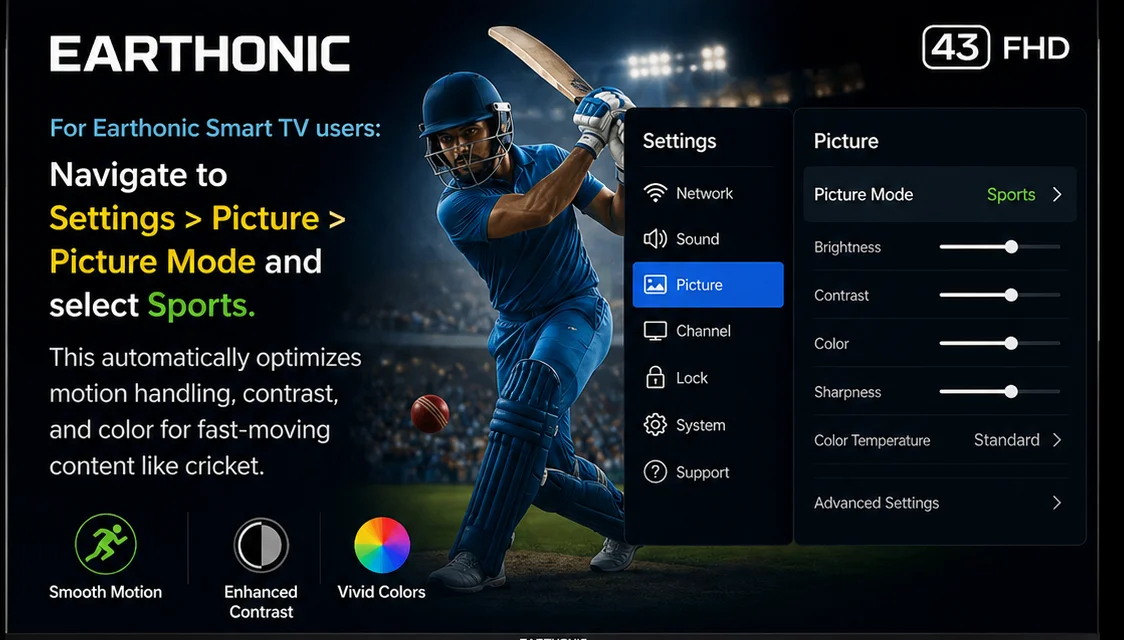
For Earthonic Smart TV users: Navigate to Settings > Picture > Picture Mode and select Sports. This automatically optimizes motion handling, contrast, and color for fast-moving content like cricket.
Internet Speed & Connection: The Silent Hero
Your TV and streaming app can be perfect, but a weak internet connection will destroy your experience. Here’s what Android TV IPL setup demands from your network:
- For 1080p (Full HD): Minimum 10 Mbps, recommended 15-20 Mbps
- For 4K streaming: Minimum 25 Mbps, recommended 40+ Mbps
- Connection type: Ethernet > 5GHz Wi-Fi > 2.4GHz Wi-Fi
Pro tip: If your router is in another room, consider a Wi-Fi extender or simply run an Ethernet cable to your TV. Earthonic Smart TVs come with built-in Ethernet ports; use them. Wired connections eliminate interference and deliver consistent ping, which matters more than raw speed for live sports.
Quick Troubleshooting: When Things Go Wrong
| Problem | Most Likely Fix |
| App won’t install | Update your TV’s firmware via Settings > System > Update |
| Buffering every few seconds | Switch from Wi-Fi to Ethernet, or move the router closer |
| Video quality looks blocky | Check internet speed; drop to 1080p if 4K is unstable |
| Audio out of sync | Restart the app; if it persists, restart the TV |
| App crashes on open | Clear app cache (Settings > Apps > JioHotstar > Clear Cache) |
The Ultimate IPL 2026 Viewing Setup
If you want the definitive match-day experience, here’s your shopping list:
- A 4K UHD Smart TV – 55 inches or larger for that stadium feel
- Wired internet connection – No compromises on stability
- Premium streaming subscription – JioHotstar 4K plan or SonyLIV Premium
- Optional but nice: A soundbar or your TV’s built-in Dolby Audio for crowd roar
The best smart TV India 55-inch for IPL? Earthonic’s 55″ 4K UHD Smart LED TV delivers 4K resolution, Dolby Audio for immersive crowd noise, Android 11 for instant JioHotstar access, and 2GB RAM to keep everything snappy. No external dongle needed. No lag. Just cricket.
Not sure which OS powers your TV?
Read our detailed breakdown of Google TV vs Android TV to make an informed choice.